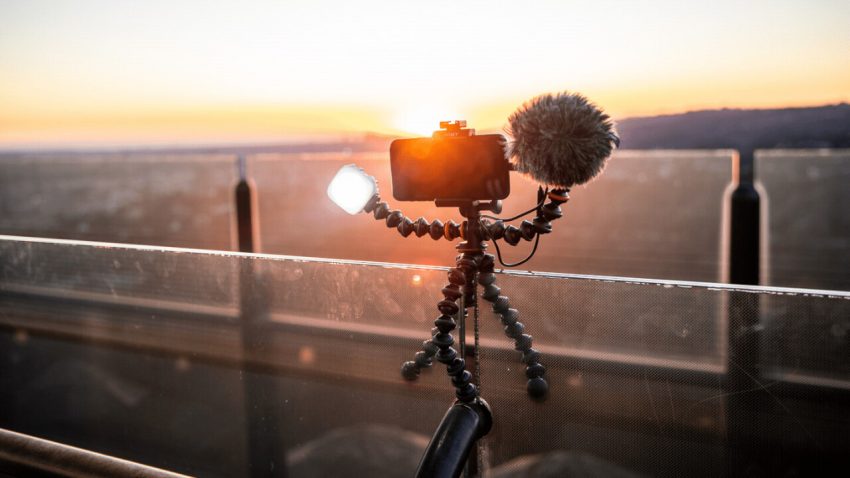
You might not be very familiar with the name Joby, but chances are you’ve seen some of their products before. Specifically, you’ve probably come across the company’s funky-looking GorillaPods before:
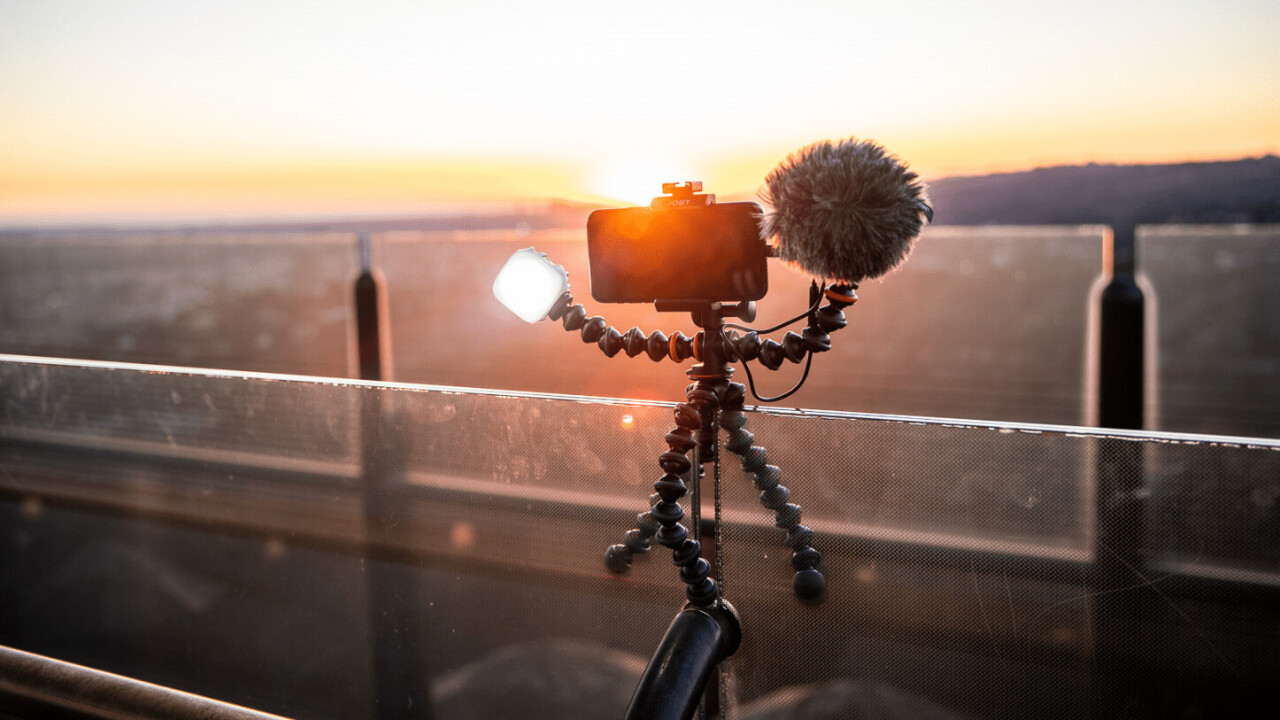
Though the company has long been focused on the camera accessory business, it’s recently expanded into the audio business in a big way, with a series of accessories aimed specifically at podcasters, YouTubers, streamers, and other creators. I’ve recently been able to spend time with the company’s desk microphone, the $99 Wavo Pod, and it strikes me as an excellent sound upgrade for beginners.
Now, a disclaimer: I’ve tested a few different microphones throughout the years, but I don’t claim to be an expert on the topic. I’m not gonna promise this is the best possible microphone you can get for your money, but there are a number of nice touches that make the Joby worth considering.
It sounds pretty darn good
The Joby Wavo Pod offers both cardioid (records mostly what’s in front of the mic) and omnidirectional (records evenly all around) sound modes, recorded at 24-bit/48kHz. This isn’t as much as some competitors — I would’ve appreciated a stereo mode for recording instruments — but Joby focused on delivering sound quality rather than a ton of features. It’s also worth noting that opting for more basic functionality helps the microphone remain a bit smaller than some competitors, which I appreciated with limited desk real estate.
One thoughtful decision is the inclusion of a popfilter. It’s honestly pretty surprising how many beginner-oriented microphones don’t include a pop filter, considering overly-aggressive plosives are one of the easiest ways to destroy a recording. Not so with the Wavo Pod. That pop filter actually does an excellent job of reducing the sound of plosives — it was pretty much never an issue even when I had the microphone just a few inches from my face. I also appreciate that you can add a second one should you want to use that omnidirectional mode and involve more people in the conversation.
Overall, the Wavo Pod has a fairly neutral sound with crisp presentation that avoids becoming too sibilant (at least when the pop filter is on. It also has a decently low noise floor considering its price point. Now, I wouldn’t mind a little more bass energy given you often want some vocal warmth from these podcasting-oriented microphones, but the overall sound is good enough that it can be readily molded with a bit of EQ if needed. You can hear a short clip of the Wavo Pod compared to the built-in mics on the Surface Laptop Studio (which are already some of the best on a laptop) below.
One note for newbies: since the microphone is meant for plug-and-play operation, you’ll also want to take care to balance the input gain on both Windows and the microphone; make sure to turn up the volume on Windows before you change the gain on the microphone itself, or else you run into clipping and noise rather quickly.
It uses USB-C
The Joby Wavo Pod uses USB-C, and Joby includes both USB-C to USB-A and USB-C to USB-C cables. That means it’s a plug-and-play, dongle-free setup for pretty much every PC out there.
You might think it’s not a big deal considering the microphone will be theoretically stuck to your desk long term. And maybe I do have a bit of a grudge against anything that’s not USB-C. But really, it’s 2022, and I’m over antiquated connectors. The ever-popular Blue Yeti, for instance, still uses a dreadful Mini-B connector.
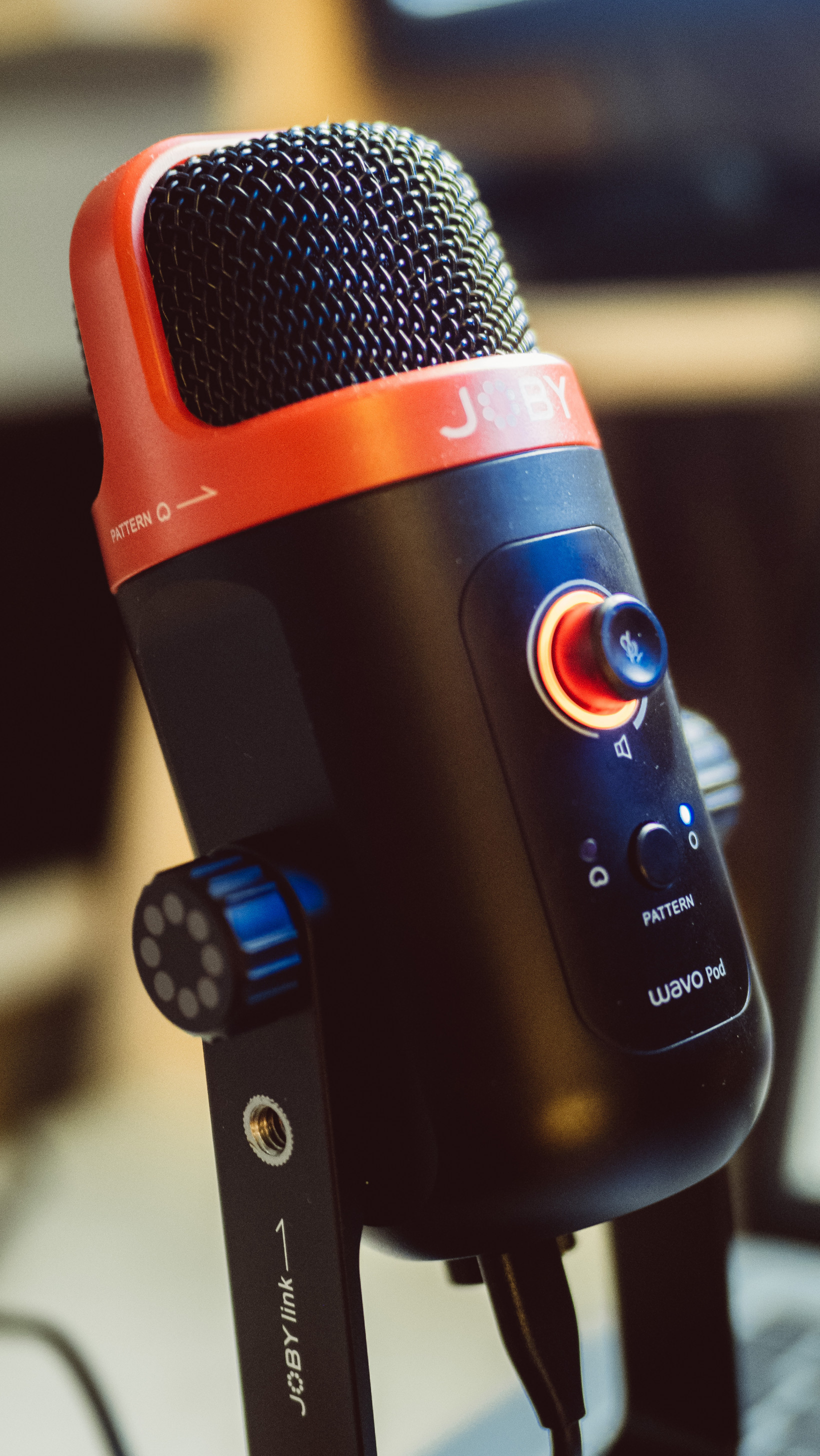
Grudges aside, I’ve had the Micro and Mini USB connections start to fail on at least three microphones (not to mention other accessories) over the years, and in my experience, USB-C is just a lot more durable than any of the other small USB connectors.
As a bonus, I appreciate that if I want to charge my phone or another accessory at my desk when I’m not using the mic, I can simply disconnect the Wavo Pod’s cable and plug in my device. That might sound like a fringe use case, but I do this several times a week. Even with a dock, I have limited USB ports to go around, so I love the ability to use one USB-C cable for multiple devices.
The headphone jack is pretty nice too
Like many USB mics, the Wavo Pod includes a headphone jack for zero-latency monitoring of your vocals, but it also just serves as a decent DAC for your PC. I’m not one to make a big deal about the sound quality of different DACs and amps, but at the very least, the Wavo Pod provides a decent amount of power that’ll let most wired headphones get pretty loud.
Again, just make sure to balance the sound of the gain on Windows with the gain on the microphone itself, as these are two separate controls. The one caveat to this is that there is no way to have the microphone on while disabling input monitoring; if you want the best sound quality, you’ll have to mute the mic by pressing once on the central button.
It’s easy to accessorize
One neat trick up the Wavo Pod’s sleeve is how easy it is to ‘upgrade’ the microphone with accessories. On the bottom of the microphone itself, you have a 3/8th” mount, which comes pre-installed with 5/8”; these are the most common thread sizes for microphone boom arms and stands.
Most people who are new to microphones don’t have a microphone boom lying around though. But you might have a tripod, which uses a 1/4” connection. If so, the Wavo Pod has you covered too; you can actually unscrew the Joby’s stand from its base and find a 3/8th” mount with a pre-installed 1/4” adapter.
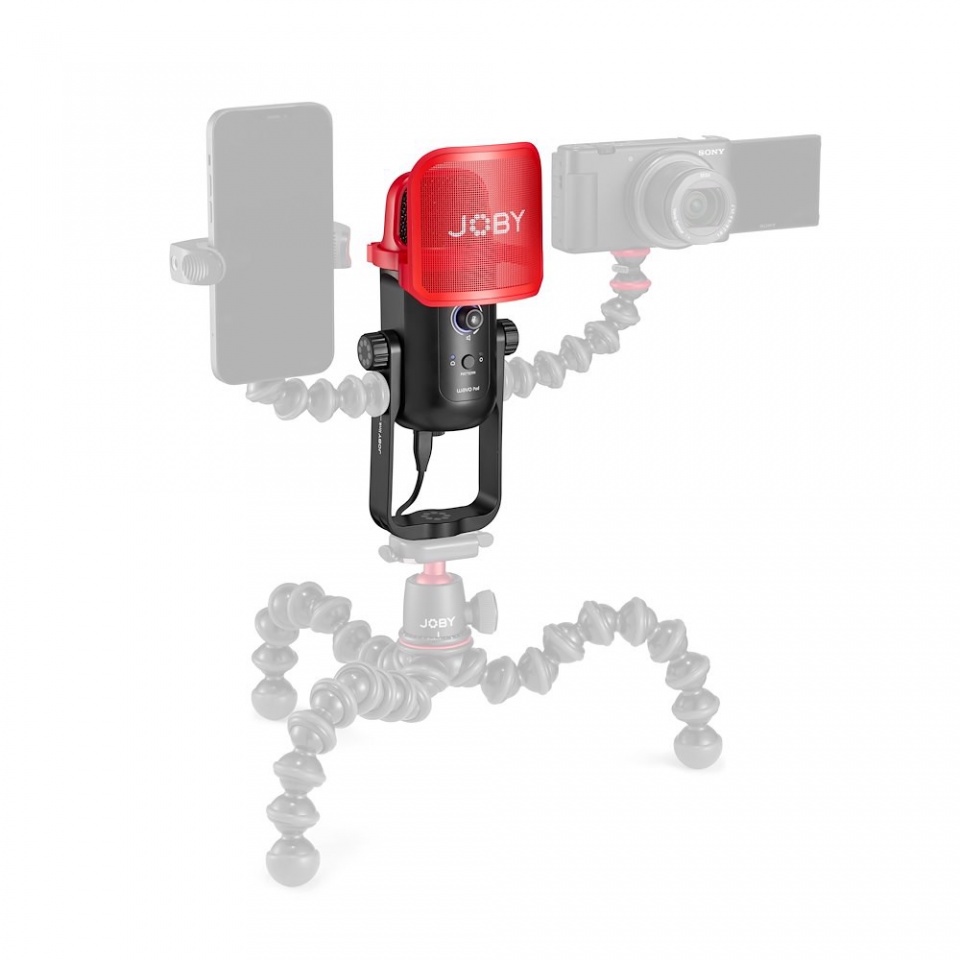
But wait, there’s more! The stand also includes connectors for Joby Link accessories. These are basically 1/4-inch screw holes to add various accessories from Joby’s lineup, such as a phone or camera mount, as well as various lighting accessories.
It gets the basics right
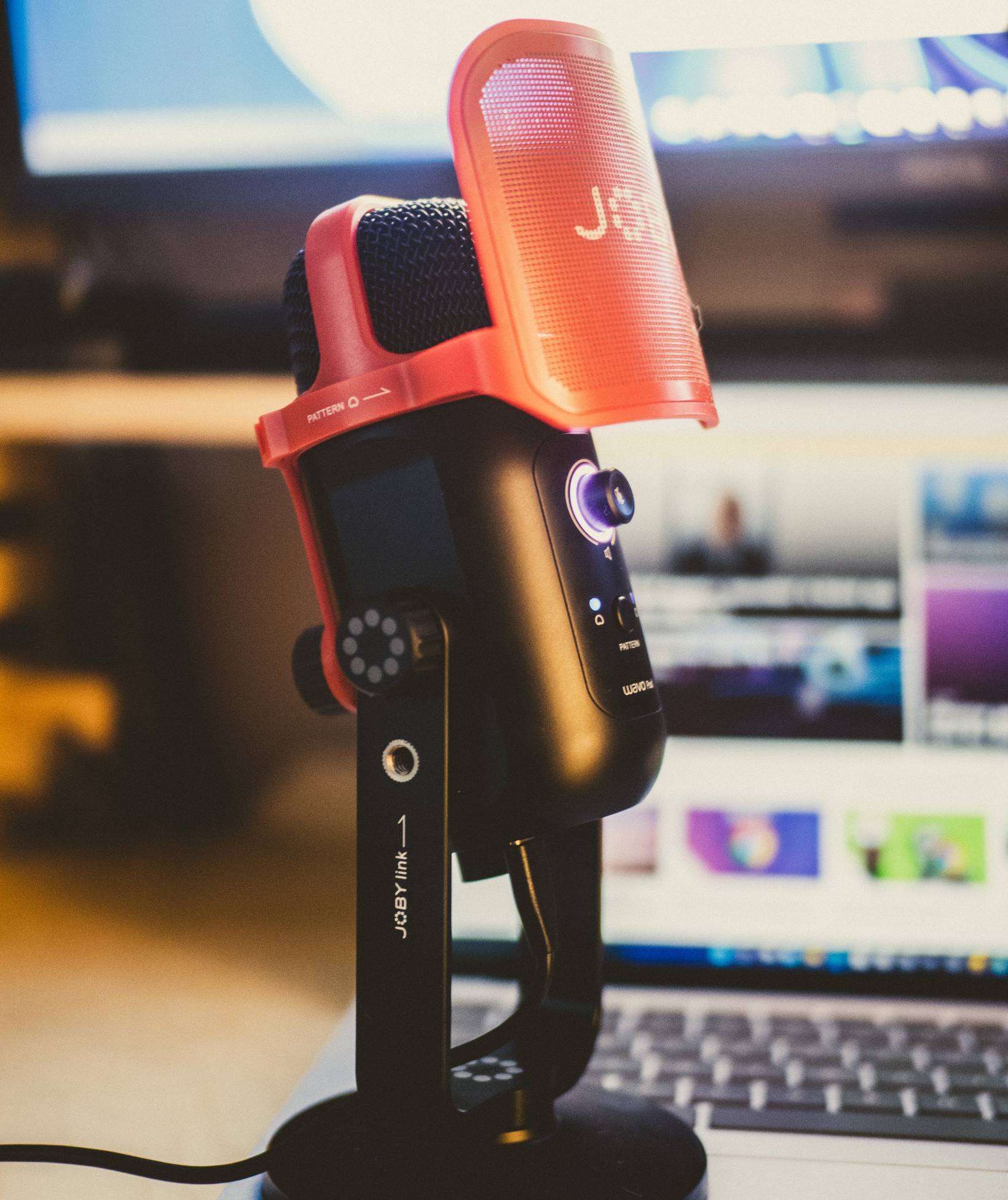
The Wavo Pod may not be the pinnacle of sound quality or features, but for its intended audience, it offers a lot of bang for your buck. More importantly, it offers that sound with almost no hassle for the buyer thanks to the included pop filter and plug-and-play setup. Couple that with some clever ways to upgrade and accessorize, and the Wavo Pod becomes an easy recommendation for someone looking for their first “real” microphone.