Disclaimer: this is not an ad for Obsidian.
Onboarding to a new company is hard work. Keeping all the information straight is its own work stream that deserves thought and attention. Countless names, faces*, teams, initiatives, and acronyms fly by before noon. Believe me. I’m in the process right now. This week I landed on a system I’m pretty happy with.
You’re a knowledge worker. Build a knowledge base
You need a place to put all the information you’re receiving. This is some of the stuff I’m talking about:
- People
- Teams
- Repositories
- Relationships between teams, repositories, people, etc.
- Initiatives
- Your work product and tasks
- “Playbooks” for common tasks
- Daily agendas
- Meeting notes
- Ideas
- Questions you need to ask someone
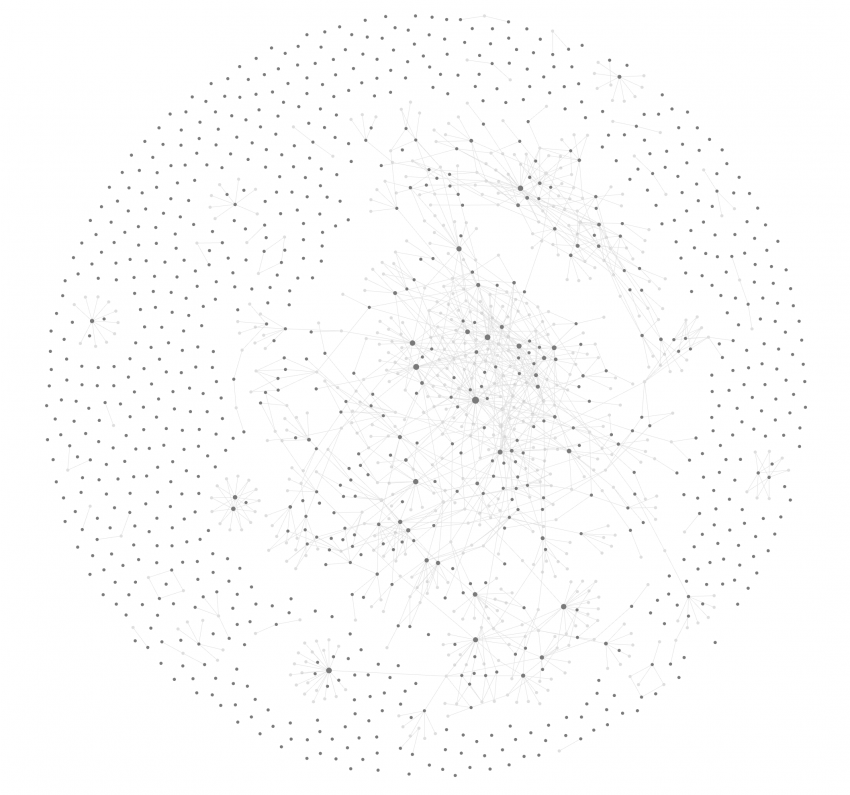
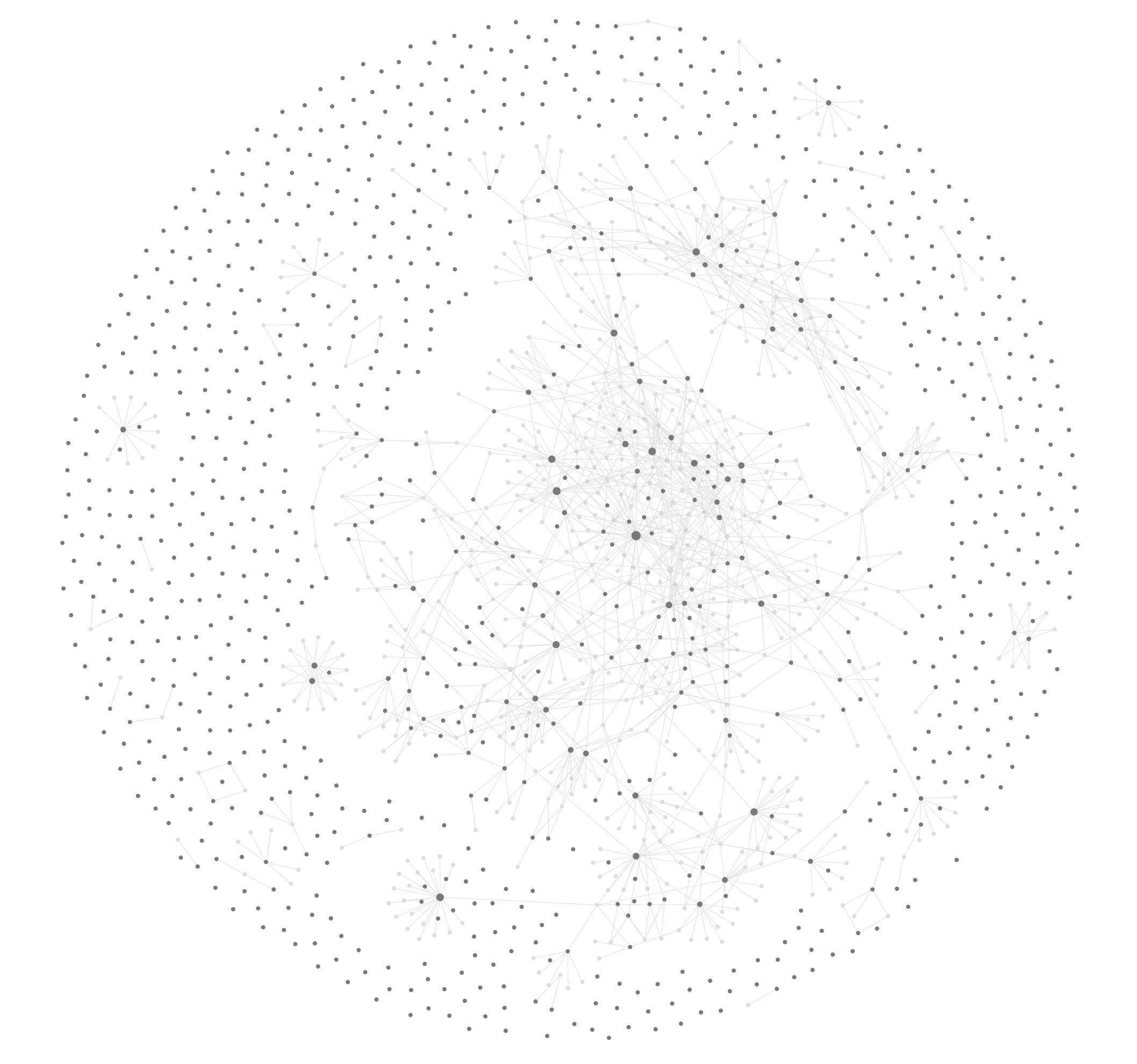
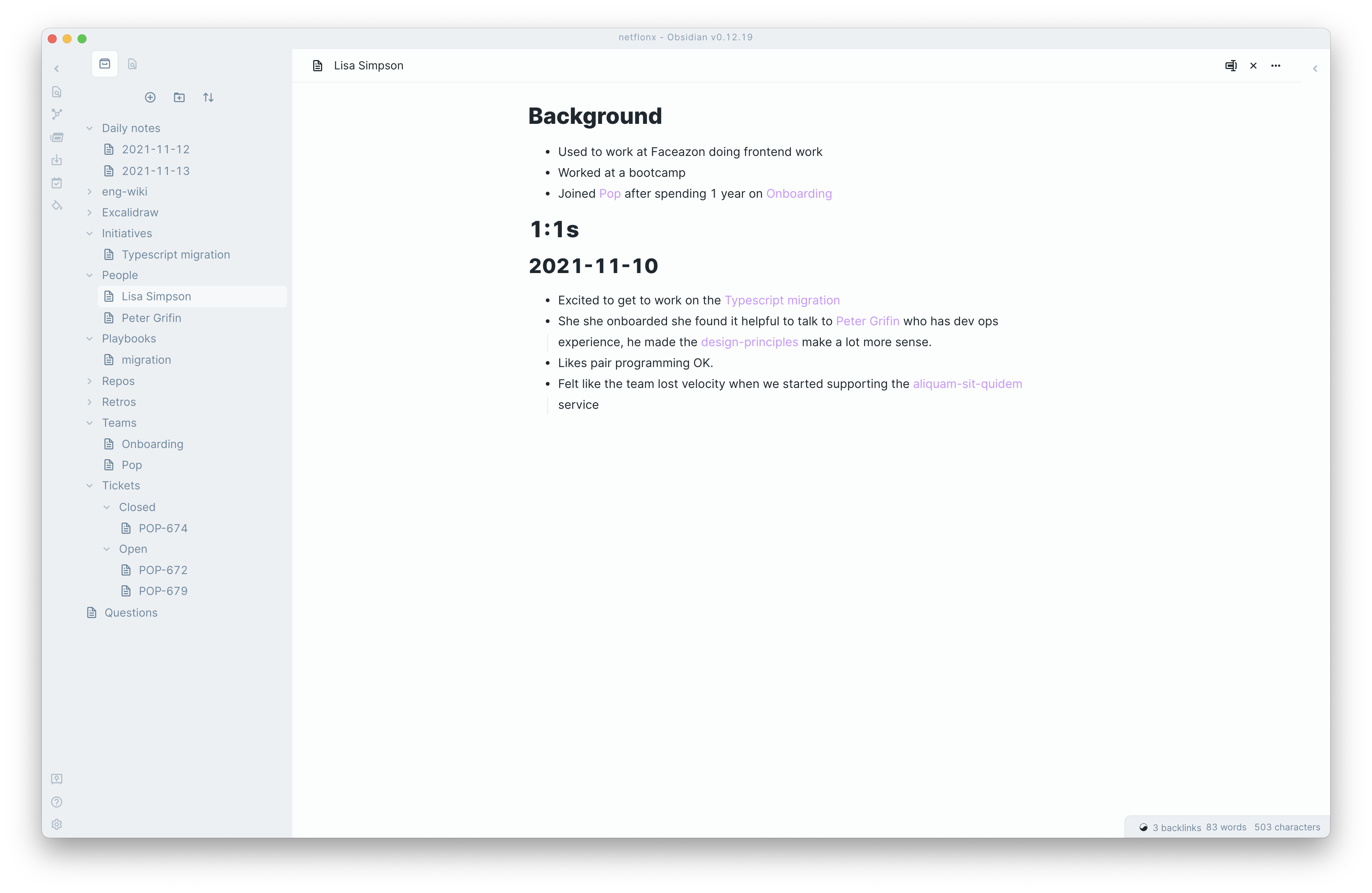
I recommend Obsidian. It’s essentially a markdown editor–but it’s so much more than that. It’s open source. It works off of your local filesystem–no cloud-based privacy concerns. It encourages you to create a dense knowledge network with many links and tags. It also has a rich set of official and community plugins.
Plant seeds
It can be quite intimidating to start from an empty directory. But, you don’t have to build your knowledge base manually. Try seeding from available data sources.
Engineering wiki
Does your organization have an engineering wiki on GitHub? Clone it and dump it right into your Obsidian folder. Now you have tons of pages instead of a blank slate.
You are your company’s foremost export on onboarding. No one else remembers what it was like to onboard, and–especially if they onboarded a long time ago–the experience could be quite different, now. You can use your vantage point to make the next hire’s onboarding experience better. Contribute to the wiki as you’re onboarding. Make it less confusing.
I recommend checking out a branch of the repo so that any changes you make are PR-able. One really easy change that adds a ton of value is just adding hyperlinks. There’s often an obscure page describing something that doesn’t have any links going to it. Hyperlinks are a better discovery tool than grep, so add them.
Github repos
Add a markdown file in your knowledge base for every repo at your org. If you use GitHub, download the GitHub CLI. From there you can generate a JSON file of the top ‘n’ repos at your organization… if you can, maybe just get all of them. They are ordered by most recent commit.
$ gh repo list [yourorgname] --limit 1000 --json name,description,createdAt,updatedAt`) > your-repos.jsonI wrote a little node script to generate markdown files too.
const { writeFileSync } = require('fs'); const repos = require('./your-repos.json'); const pathToObsidian = '...'; function renderMarkdown(repo) { return `# [${repo.name}](https://github.com/yourorg/${repo.name}) >> whatever you want here, description is nice...<<`; } for (const repo of repos) { writeFileSync( `${pathToObsidian}/repos/${repo.name}.md`, renderMarkdown(repo) ); } People and teams
This one is harder to make generic. At my new job, I found a pretty good list of the engineering org in Google Groups, copied the html table from the browser into Google sheets, then exported a CSV. Your source of truth might be Slack, GitHub Teams, or something totally different. You can also add people manually.
Version tracking
Use git. Git init in your Obsidian directory. We use git for everything else, why not our knoledge base? Commit at the end of every day and take a look at the diff. Write a real commit message. Don’t worry about length. For me, it contains a better summary of my day than I can find anywhere else.$ git log is now a pretty great way to see what you’ve done in a week.
Just make sure you have a .gitignore file. In my case I ignore my eng-wiki directory so I don’t have to deal with git submodules.
Diagrams
A picture is worth 1000 words. Here’s how I do pictures.
Excalidraw
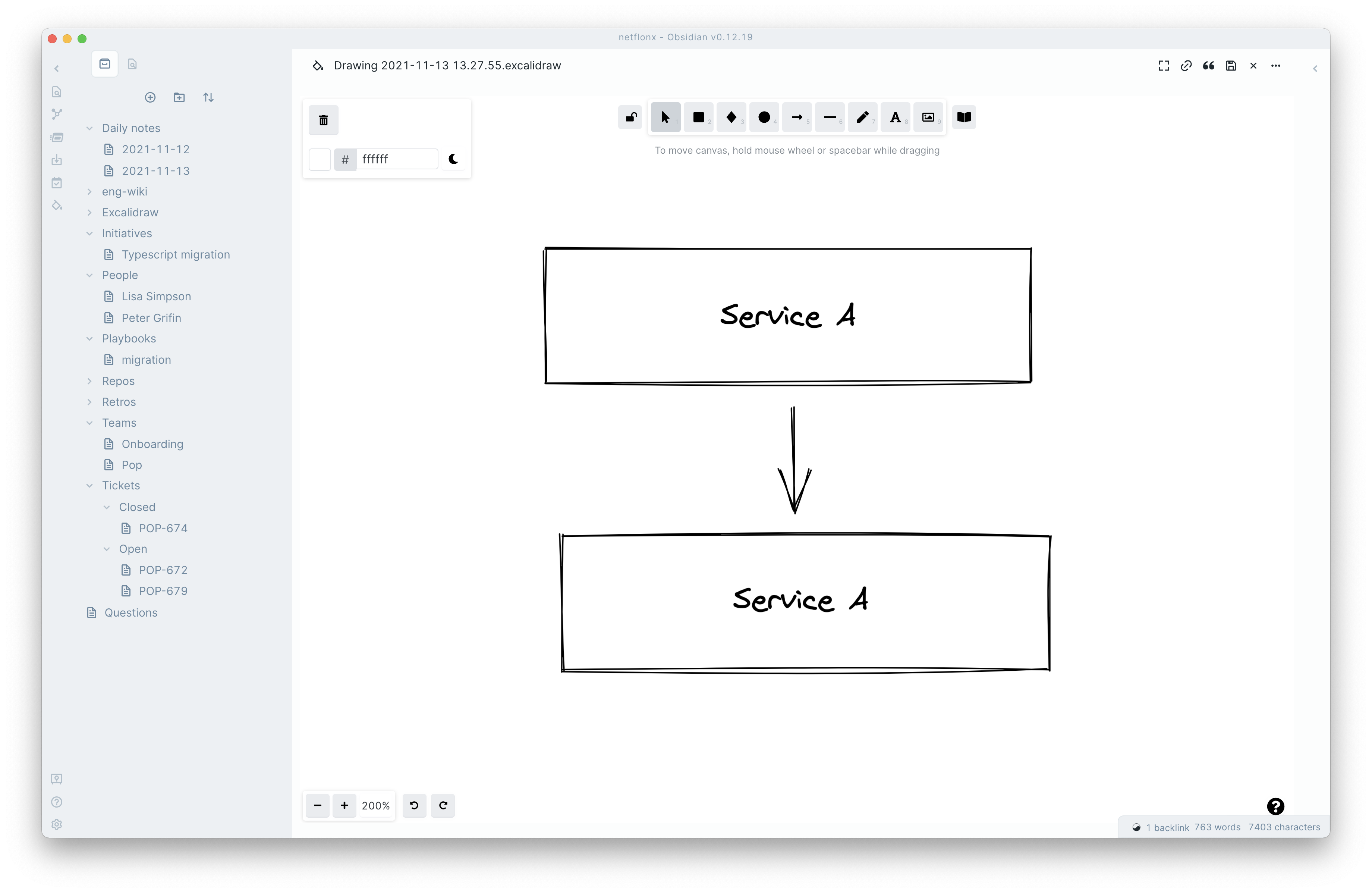
There’s an Excalidraw plugin for Obsidian (thanks @zsviczian!). I’ve already written about how much I love Excalidraw. The fact that Obsidian can elegantly integrate with Excalidraw is amazing. When I say elegantly, I mean it. You can link from inside diagrams to pages inside your knowledge base. You can embed. It’s great.
Mermaid
Excalidraw is a great general purpose diagraming tool. But, for highly structured diagrams, Mermaid is sometimes better. Obsidian has native support for Mermaid diagrams. Just make a code block annotated as ‘mermaid’.
Here’s an example from their docs.
flowchart TD A[Start] --> B{Is it?}; B -- Yes --> C[OK]; C --> D[Rethink]; D --> B; B -- No ----> E[End]; 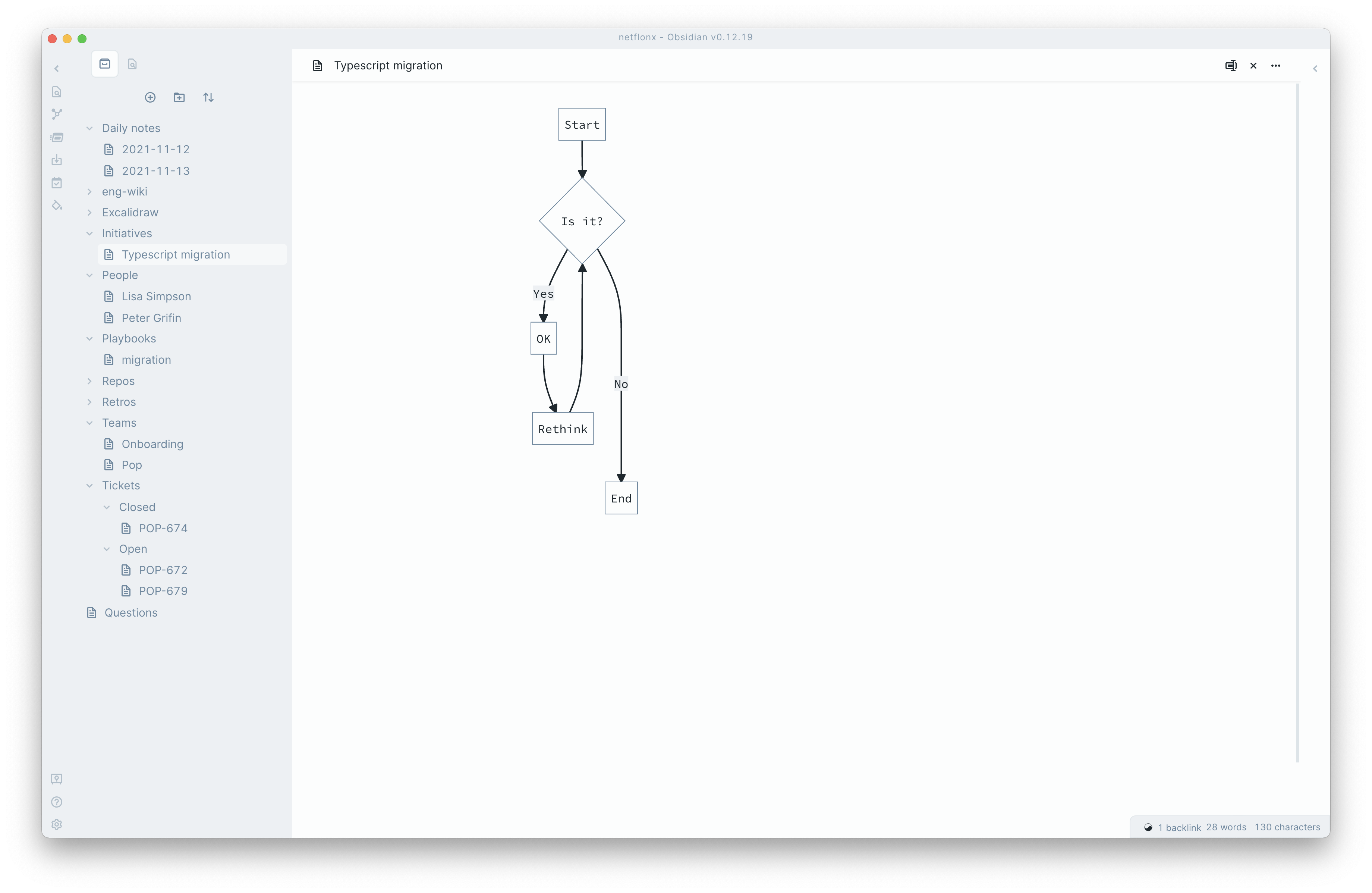
Questions
1,000,000 questions will come up every day. There won’t always be time to ask them. Some of them you can look up. I recommend making a system for these. I made a central questions page. When things come up on other pages, I link to my questions page. That way, when I want to review open questions, I can go look at all the backlinks. Tags also work.
Every day take a look at open questions. Look through the company wiki, or other sources of truth. If you find the answer, update the link from [[question]] to [[answered-question]] and include the answer with any hyperlink to existing content in the knowledge base. For example, [[answered-question]] what's the protocol for opening PRs into other teams' repos? Answer: [[eng-wiki/code-review-process]] goes into this.
For questions you can’t answer for yourself, filter them to only those which matter and your team can answer, and Slack them en masse, each day. Make sure the answers make their way back into your knowledge base.
Daily notes
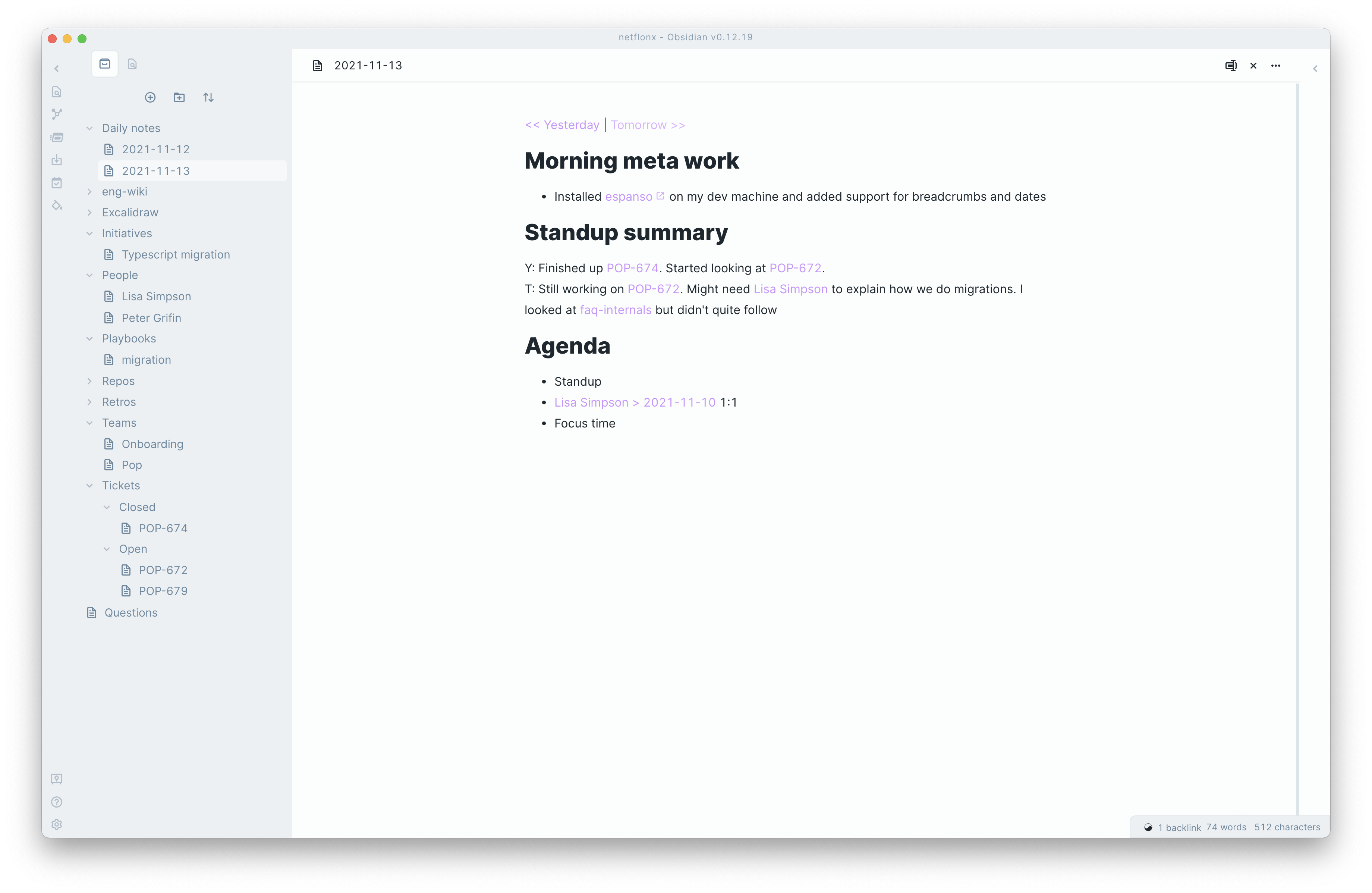
Obsidian has a daily notes plugin that is very useful. First thing in the morning, I create a daily note, enter my google calendar agenda (hyperlinking to everyone I’m meeting with). I always include a ‘meta’ section for observations about how the system is serving me. I also recommend creating links referencing the next and previous day.
I find that daily notes end up accumulating a ton of random stuff that came up that day. Take a little time to ask yourself if content on the daily note page should be relocated.
Tickets
At least early on, every task you’re assigned in your product management could also be tracked in your own personal note system. It allows you to link to relevant docs, take notes, draft status updates, gather questions, make diagrams, etc.
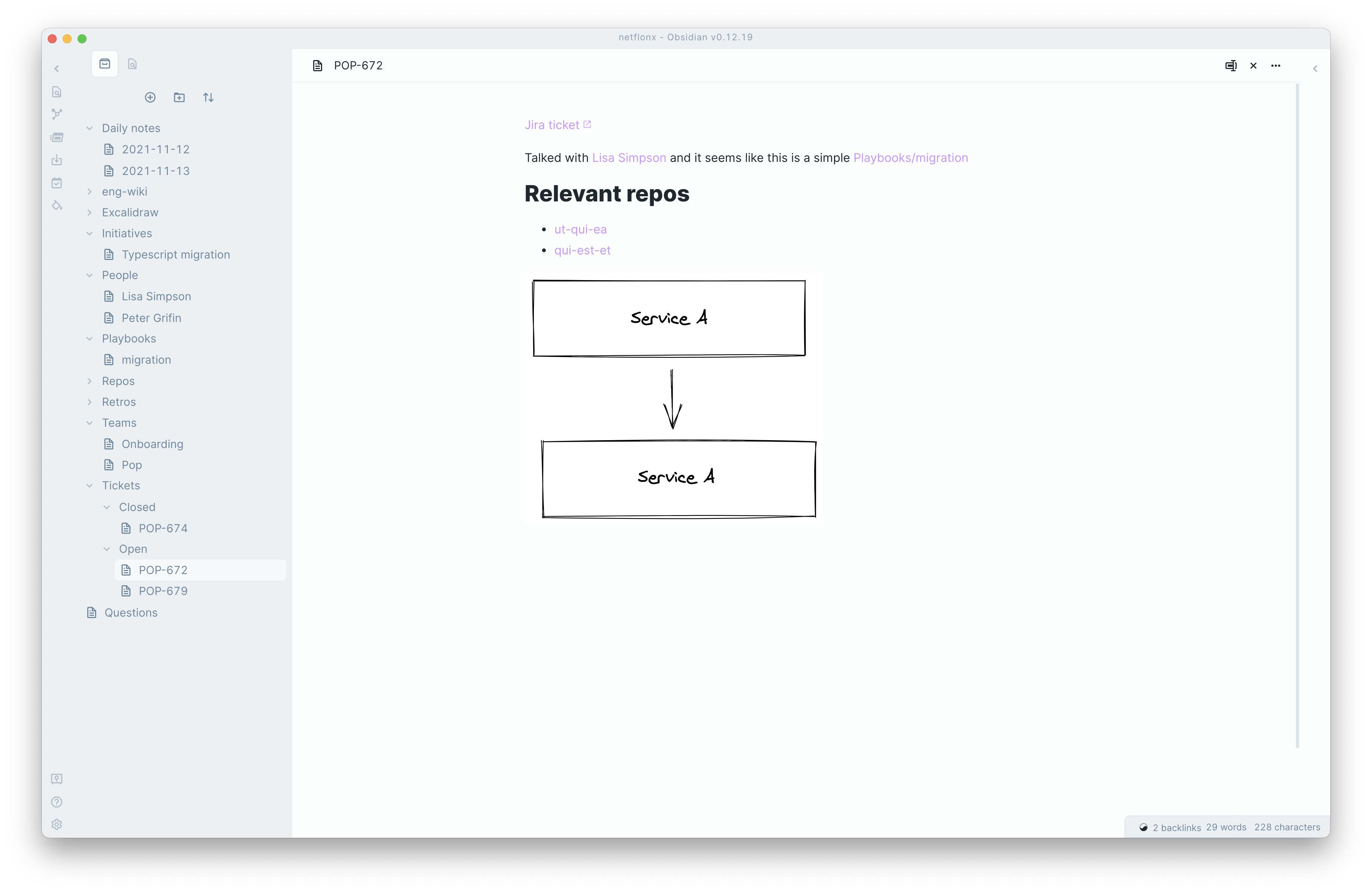
My tickets directory isn’t flat. Mine looks like this:
tickets ├── closed │ ├── POP-696.md │ └── POP-698.md └── open └── POP-700.md Having the distinction between open and closed helps at standup when you want to tell your team how the ticket is going.
Many of the tasks you complete when you’re new on the job are somewhat rote. You’re not re-architecting the home page in week one. For these repeatable tasks, is there good documentation about how to do it? Probably not. Make a playbook. It’ll make it easier to do next time. If your playbook describes something beyond just you and your team, add it to the eng-wide wiki.
Retros, free writing, and synthesis
If your team does retros, I recommend calendaring some time beforehand to do free writing. Even if your team doesn’t have a retro tradition, scheduling some time for free reflection is a great idea–it encourages synthesis, connections, and understanding.
Think of it as part of your job description to minimize entropy. After you understand the ball of yarn that is your organization, you can untangle it, or at least reduce the rate at which it tangles. You can come up with analogies, diagrams, connections — anything that makes the system fit into brains better —you will add tremendous value. Here’s a great article about this general idea as it applies to researchers. They call it research debt. I think of it as semantic debt or cognitive debt. Reflective writing is a good way to prepare your brain for synthesis.
When you write reflectively. Don’t worry about formatting and linking while you free write, it could get in the way of flow. Once you’re done, see if there are links to add or formatting to apply.
*It doesn’t help that I have prosopagnosia!
This article from Off-by-one is a stream of thought about computers. The author, Zeke Nierenberg, writes about programming, education, tech-enabled thinking tools, and product development. Find the original article here.